


Legacy ERP System Migration: A Step-by-Step Guide
A Practical Roadmap for Successful Legacy ERP Migration.
Most businesses don’t decide to migrate off a legacy ERP in a single moment. It’s usually a slow build-up of small frustrations, a report that used to take minutes now takes hours, a vendor who’s stopped answering support tickets, and a new hire who has to be walked through workarounds nobody remembers the reason for. By the time leadership treats erp migration as urgent, the system has often been quietly costing the business for years.
This guide covers what a legacy ERP actually is, when migration is worth the disruption, the main migration approaches available, and the step-by-step process AI-IoT Geeks follows to move businesses off legacy systems with minimal disruption and no lost data.
What Is a Legacy ERP System?
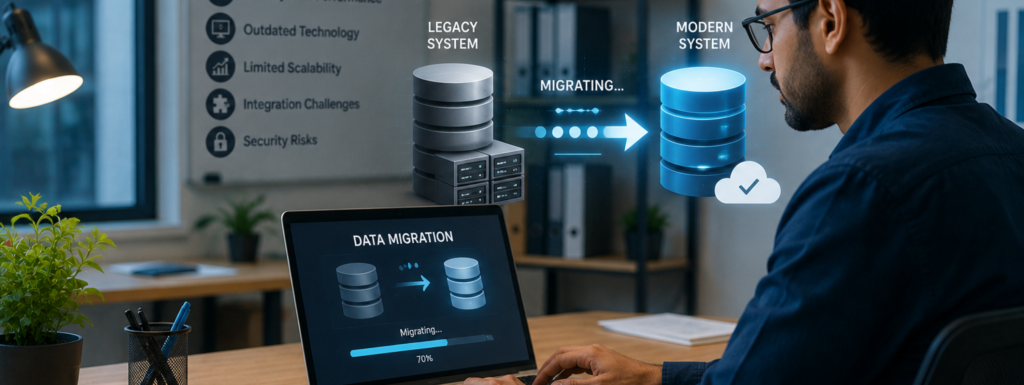
A legacy ERP is enterprise software still running in production but no longer able to keep pace with the business it supports, whether because of outdated architecture, vendor support that’s ended, or a lack of integration with modern tools. It’s a specific case of the broader legacy system problem many businesses face across payments, records, and operations software generally.
A system isn’t automatically “legacy” just because it’s old. Some older systems are still stable, secure, and well-supported. What actually defines a legacy ERP is a widening gap between what the business needs and what the system can deliver.

Signs It's Time to Consider Migration
Migration is usually worth the disruption once a business is dealing with several of these at the same time:
- Rising maintenance costs that go toward keeping the system alive rather than improving it.
- Manual workarounds, spreadsheets, disconnected tools, duplicate data entry , that have crept in to compensate for what the ERP can’t do.
- Security and compliance gaps, especially where the system can’t be configured to meet current regulatory or industry requirements.
- Limited scalability, where adding a new team, department, or product line takes far more effort than it should.
- Fading vendor support, leaving the business without patches, updates, or a clear upgrade path.
Types of Legacy ERP Migration Strategies
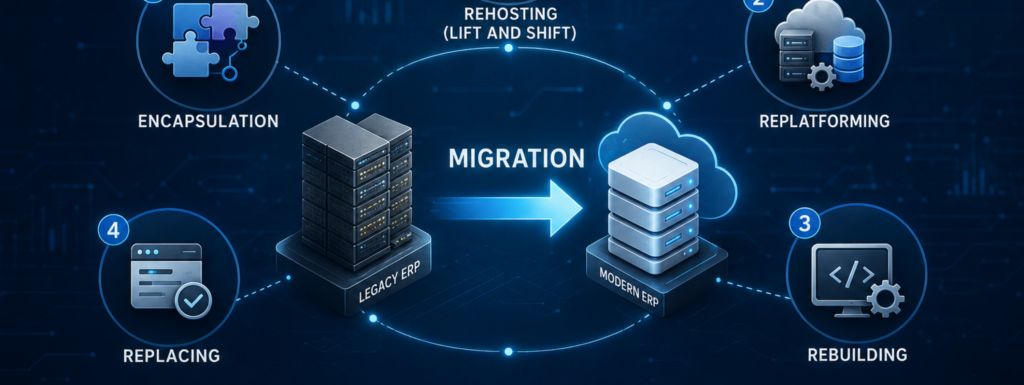
Not every migration looks the same. The right approach depends on how much of the existing system is worth preserving versus rebuilding.
Rehosting (“lift and shift”)
Moves the system to new infrastructure, often the cloud, without changing its core architecture. It is one of the fastest migration approaches because it requires minimal modification. However, it does not address the underlying functional limitations or technical debt, it simply relocates the existing environment to a new platform.
Replatforming
Moves the business to a modern version of a similar system while keeping existing processes largely intact. It introduces targeted improvements to infrastructure, performance, and maintainability without requiring a complete redesign, making it a balanced option between speed and modernization.
Rebuilding
Redesigns the system from the ground up on modern architecture. It takes longer, but it removes accumulated technical debt entirely instead of carrying it forward closer to what we do in custom software product development than a straight migration.
Replacing
Retires the legacy system and adopts a new platform, such as moving from an on-premise legacy ERP to Odoo. This is the path AI-IoT Geeks sees most often, since it lets a genuinely modular, cloud-capable system take over from one that was never built to scale this way.
Encapsulation
Wraps the legacy system with an integration layer so it can continue functioning while a broader legacy system modernization strategy is planned. This extends the system’s usability and supports legacy erp integration with newer applications, but it’s a transitional bridge rather than a permanent solution.
The Step-by-Step Legacy ERP Migration Process
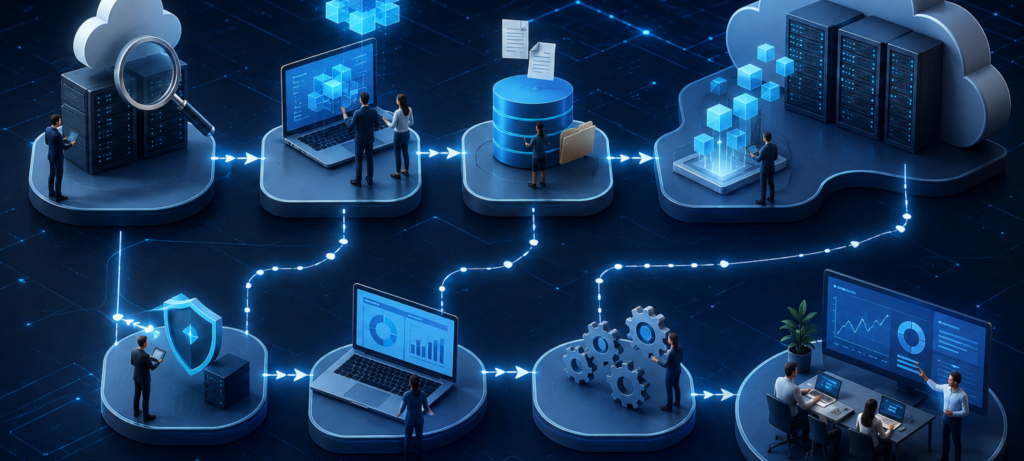
AI-IoT Geeks runs every erp migration project across five phases, each one built to catch a specific failure point before it reaches production.
Phase 1: Assessment
Before any technical work starts, the existing system gets audited, what data it holds, which processes depend on it, where workarounds have piled up, and what’s actually driving the decision to migrate. Skipping this step is how a legacy system’s problems end up migrating along with its data.
Phase 2: Planning
With the assessment done, the team defines the migration approach (rehost, replatform, or full replacement), sets a realistic timeline based on the number of modules and volume of historical data, and flags risk points upfront, such as data mismatches, third-party integrations, and compliance requirements that need to carry over or be upgraded.
Phase 3: Data cleansing and field mapping
This is the phase most erp system migration underestimates. Legacy data is rarely migration-ready as-is duplicate records, inconsistent formatting, and outdated entries all need cleaning up before anything moves. Every field gets mapped to its destination and validated before production data is touched, so mismatches get caught early instead of after go-live.
Phase 4: Migration and testing
Data moves into a controlled environment first, not straight into production. Validation checks confirm the migrated data matches the source exactly, and the departments who’ll actually use the new system daily test it before anyone else signs off.
Phase 5: Go-live and post-migration support
After go-live, every migrated record gets verified, system performance is watched closely in the first weeks, and teams get hands-on training so they can run the new system confidently instead of depending indefinitely on outside support through our ongoing ERP services and support.

Common Legacy ERP Migration Challenges
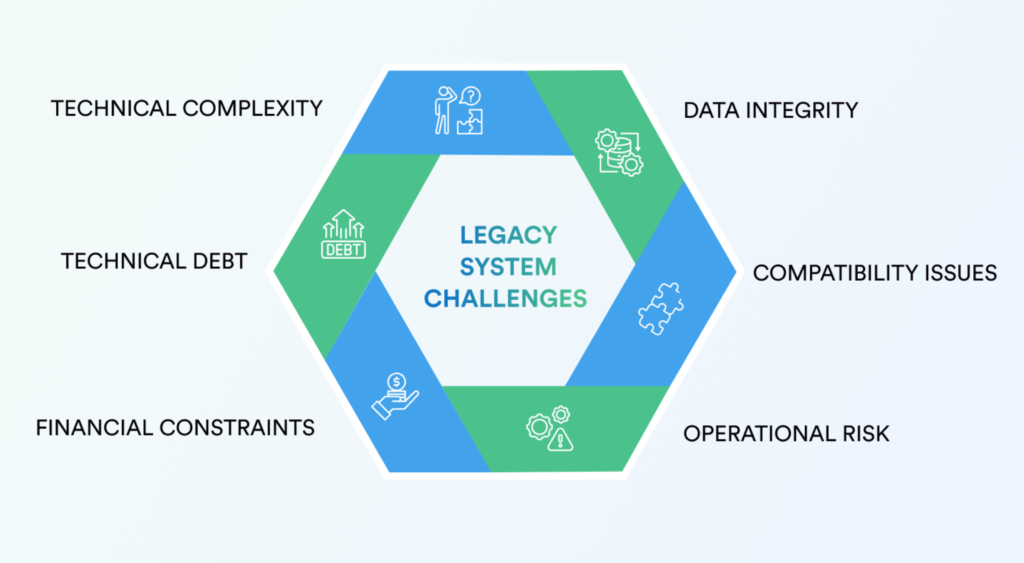
Data complexity: Legacy systems often store data in formats that don’t match modern ERPs. A dedicated cleansing and transformation step before migration handles this upfront, rather than patching it after something breaks.
Integration gaps: Legacy ERPs frequently connect to CRMs, HR tools, and accounting software through custom, undocumented connections. Mapping these dependencies during assessment means nothing gets silently dropped during cutover.
Internal knowledge gaps: The people who understood the legacy system’s quirks have often moved on. Documenting institutional knowledge during the audit phase means it doesn’t just live in someone’s memory.
Business continuity: A migration that disrupts daily operations defeats its own purpose. Phased testing, validating in a controlled environment before touching production, exists specifically to prevent this. This is the same risk-first thinking we cover in our post on risk management in software development.
Cost overruns: Migrations that skip assessment and cleansing tend to run over budget later, when problems surface mid-migration instead of before it starts.
Why This Process Holds Up
None of this is theoretical. Every phase above reflects how AI-IoT Geeks’ ERP implementation team actually structures a migration project, audit first, clean the data before touching it, test in a sandbox before production, train the team before walking away. That order matters more than any individual step: most migration failures trace back to a phase being rushed or skipped, not to the technology itself. You can see this same approach play out across our case studies.

Conclusion
AI-IoT Geeks understands that legacy ERP migration is more than a technical upgrade,it’s an opportunity to improve efficiency, eliminate operational bottlenecks, and prepare your business for future growth. Whether your organization needs to rehost, replatform, rebuild, or replace its existing ERP, a structured ERP migration strategy minimizes risk while ensuring data integrity and business continuity.
With careful planning, thorough testing and expert Odoo ERP implementation businesses can transition to a modern ERP platform with confidence. If you’re ready to modernize your legacy ERP, our team is here to guide you through every stage of the migration journey.
Ready to Move Off Your Legacy ERP?
Have any questions in mind
Frequently Asked Questions?
1. What is legacy ERP system migration?
It’s the process of moving a business’s data, workflows, and processes from an outdated ERP platform to a modern one either by upgrading the existing system, moving to new infrastructure, or replacing it entirely with a platform like Odoo.
2. How long does a legacy ERP migration take?
It depends on the number of modules involved, the volume of historical data, and how much customization the legacy system has accumulated. A single-department migration can take weeks; a full company-wide migration usually takes longer and benefits from a phased rollout.
3. What's the biggest risk in a legacy ERP migration?
Data loss and business disruption during cutover. Both get mitigated by thorough data cleansing before migration and testing in a controlled environment before go-live not by migrating directly into production and hoping for the best.
4. Can a legacy ERP be migrated without downtime?
In most cases, yes. With proper phased testing and a validated rollback plan, migrations can be completed with minimal to no operational disruption.
5. Should a business rehost, replatform, or replace its legacy ERP? I
It depends on whether the underlying system still meets the business’s core needs. If it’s fundamentally limiting growth or scalability, replacing it with a modern platform like Odoo is usually more effective long-term than rehosting the same limitations onto new infrastructure.