


How Good UX Project Management Helps You Streamline the Entire User Experience
Successful UX design and project management require balancing user needs with timelines, technical feasibility, and business goals. Unlike traditional delivery-focused management, UX teams must continuously validate decisions through user feedback, usability testing, and iterative collaboration across departments.
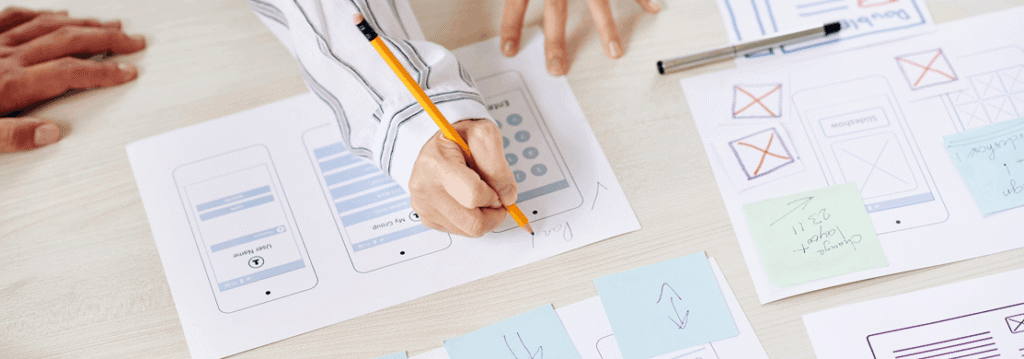
What Is UX Project Management — And Why Is It Different?
UX project management combines traditional project management techniques with UX design principles to ensure a final product meets and exceeds user expectations. It’s not just about timelines and budgets it’s about keeping user needs at the centre of every decision, from kickoff to launch.
Where traditional project management focuses on delivery (on time, on budget, in scope), UX project management adds a third axis: does this actually serve the user? That distinction changes how teams prioritize, communicate, and evaluate success.
UX project management typically involves collaboration across designers, developers, product managers, and stakeholders coordinated across three core planning areas: the project lifecycle, resourcing, and scope management.

The 4 Phases of the UX Project Lifecycle
Understanding the lifecycle helps teams know not just what to do, but when and what breaks when each phase is skipped or rushed.
1. Research & Planning
User interviews, surveys, competitive audits, and persona development. This phase shapes every downstream decision which is why cutting it “to save time” is one of the most expensive mistakes a team can make.
!
Common failure: Skipping discovery to jump straight to wireframes, resulting in late-stage pivots that cost 5–10× more to fix.
2. Defining Roles, Responsibilities & Objectives
Establish who owns what, set measurable goals, and align the team on the overall business strategy. Everyone needs to leave this phase knowing their lane and how success will be measured.
!
Common failure: Vague ownership — decisions stall because no one knows who has final say on design vs. product vs. engineering.
3. Development & Execution
In fast-moving mobile app development environments, designers should stay 2–3 sprints ahead of developers to prevent bottlenecks and maintain consistency across user interactions.
!
Common failure: Design and engineering working in parallel without a handoff process, leading to spec drift and frustrating back-and-forths.
4. Close-Out & Post-Launch Review
Measure UX KPIs (task completion rate, error rate, NPS), run a retrospective, and define the roadmap for iteration. Most teams treat go-live as the finish line — it isn’t.
!
Common failure: Disbanding the team at launch with no plan to incorporate real user feedback from the live product.

How UX Project Manager Directly Streamlines the User Experience
A good UX proje doesn’t just manage tasks it actively shapes the quality of the experience being built. Here’s how each discipline directly affects user outcomes.
User Needs Come First
Business Goals Shape the Boundaries
User needs don’t exist in a vacuum. A UX project manager ensures design decisions align with the organisation’s broader objectives so the product works for users and delivers measurable value for the business.
Technical Feasibility Defines What's Possible
Great design means nothing if it can’t be built. A UX project manager works closely with engineering to understand constraints early preventing solutions that look good in Figma but fall apart in development.
Timelines Keep the Team Accountable
Scope expands, priorities shift, and stakeholders add requests. A UX project manager holds the timeline without sacrificing quality making deliberate trade-off calls when something has to give.
Validation Runs Throughout
Not Just at the End Unlike traditional project managers who measure success at delivery, a UX project manager runs a continuous validation loop usability tests, user feedback, and iterative reviews across design, engineering, and product ensuring the right product gets shipped, not just a finished one.
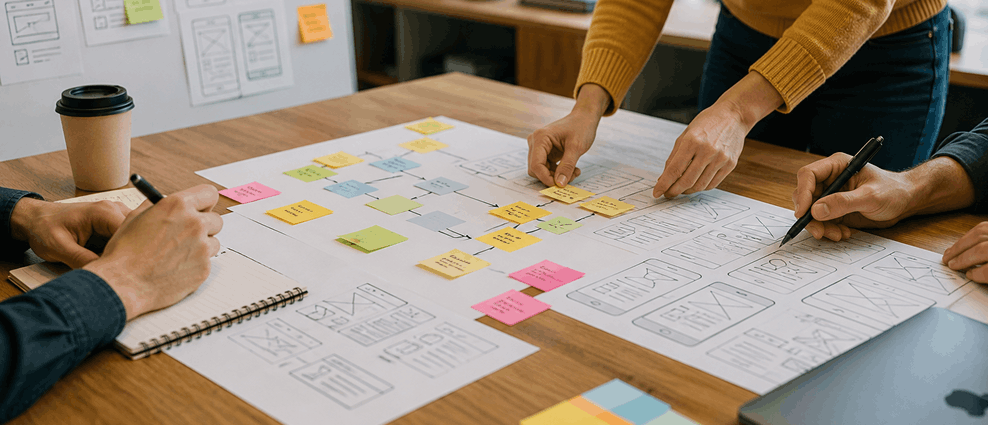
UX Project Management Methodologies — Which Fits Your Team?
There’s no single correct approach to UX project management. The right methodology depends on team size, project complexity, and how much the scope is expected to evolve. Here are the four methods:
Methodology 01: Agile / Scrum
Divides work into time-boxed sprints (1–2 weeks). UX designers collaborate with cross-functional teams across planning, daily stand-ups, and sprint reviews, keeping design aligned with development velocity.
Best for: Large, ongoing product teams
Methodology 02: Kanban
Visualises work on a board, limits work in progress, and optimises flow. Great for UX teams managing multiple simultaneous workstreams without fixed sprint cycles.
Best for: Continuous delivery environments
Methodology 03: Lean UX
Combines Lean Startup and Agile principles. Minimizes waste by validating design hypotheses quickly with real user feedback before investing in full development.
Best for: Startups, high-uncertainty projects
Methodology 04:Double Diamond
Structures work in four phases — Discover, Define, Develop, Deliver. Encourages deep problem exploration before converging on a solution. Particularly strong for complex, ambiguous briefs.
Best for: Complex problem-first projects
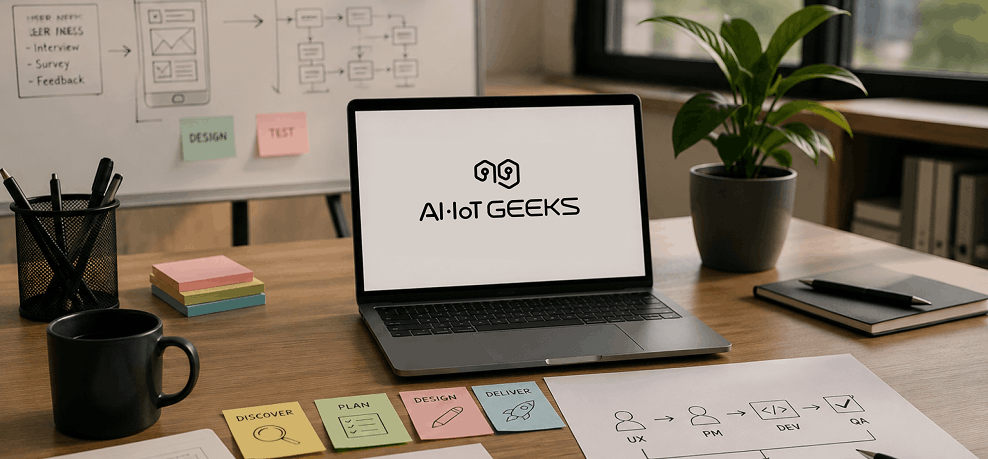
What AI-IoT Geeks Includes in a UX Project Management Team
At AI-IoT Geeks, we believe great products don’t happen by accident they’re built by the right people, in the right roles, with clear ownership at every stage. Here’s what every UX project management team at AI-IoT Geeks looks like:
UX Project Manager
The driving force behind every project. Our UX project managers oversee the full lifecycle, aligning your business goals with real user needs, managing scope, controlling timelines, and ensuring every team member stays connected and accountable from kickoff to launch.
UX Designers
Our designers do more than make things look good. They map user journeys, build wireframes and prototypes, run heatmap analysis, and apply predictive UX modelling to design interfaces that genuinely work. They stay 2–3 sprints ahead of development so the engineering team always has what they need, when they need it.
Developers
Our development team brings designs to life with precision. Backed by deep expertise in AI, machine learning, web, and mobile development, they implement every spec with fidelity building scalable, high-performance products that match design intent without compromise.
QA Testers
Quality at AI-IoT Geeks goes beyond functional testing. Our QA team validates that every feature works the way users actually expect identifying usability gaps, experience regressions, and edge cases before they ever reach your end users.
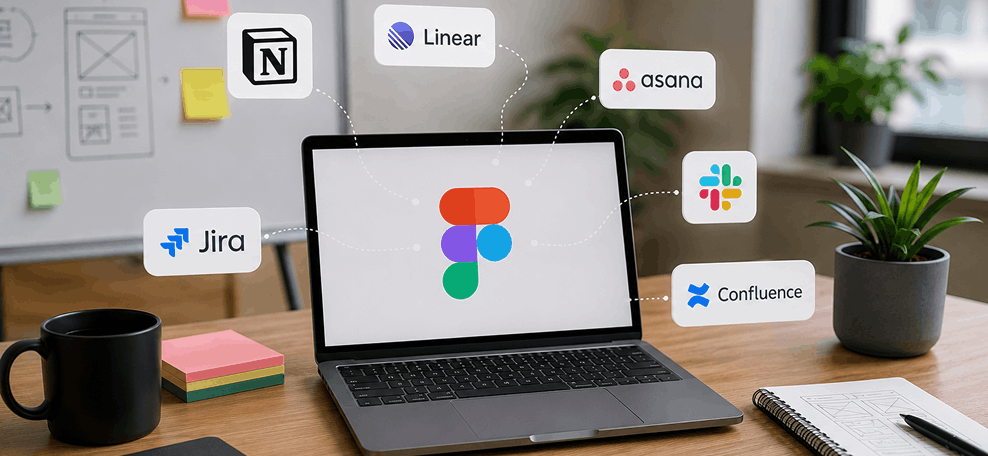
Choosing the Right UX Project Management Tools
Popular UX project management tools such as Figma, Jira, Asana, and Notion help teams streamline workflows and improve visibility across the entire project lifecycle.
Small Team, Simple Project — Keep It Lightweight
- Trello — Visual task boards that are easy to set up and simple to manage
- Figma — Collaborative design tool for wireframes, prototypes, and handoff
Small Team, Complex Project — Prioritize Structure
- Notion — Flexible workspace for documentation, planning, and async collaboration
- Figma — Keeps design files, feedback, and specs in one shared space
- Linear — Clean, fast issue tracker built for focused sprint management
Large Team, Simple Project — Centralize Coordination
- Asana — Task and project tracker with clear ownership and deadline visibility
- Slack — Real-time communication hub for status updates and quick decisions
- Figma — Centralizes design reviews and stakeholder feedback in one place
Large Team, Complex Project — Go Enterprise-Grade
- Jira — Full-featured sprint and backlog management for large engineering teams
- Confluence — Documentation platform that keeps specs, decisions, and reports organized
- Figma — End-to-end design collaboration from concept through developer handoff
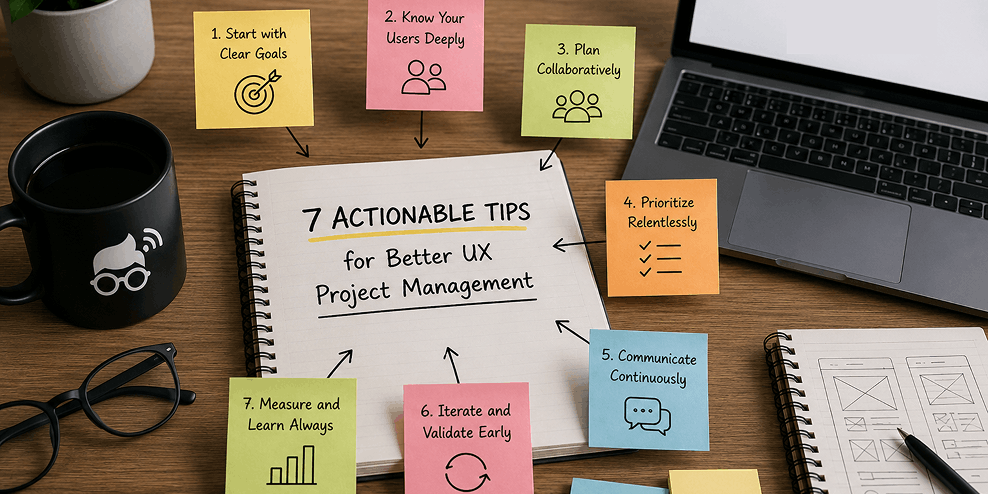
7 Actionable Tips for Better UX Project Management
Start1. Start user research before anything else
Don’t open Figma until you have documented user needs. Even a three-day discovery sprint beats designing in the dark for three weeks.
Define measurable goals in the first meeting
Vague goals like “improve the experience” can’t be tracked. Set specific targets: task completion rate, error frequency, time-on-task, or NPS.
Map roles and responsibilities explicitly
Use a RACI chart or equivalent. Every decision should have a clear owner — especially the ones that cross the design/engineering boundary.
Build a communication cadence and stick to it
Weekly team syncs, bi-weekly stakeholder updates, and a shared async channel for between-meeting questions. Consistency matters more than frequency.
Control scope changes with a formal request process
Scope will change — that’s fine. But every change should be evaluated against user impact, timeline cost, and resource implications before it’s accepted.
Keep designers 2–3 sprints ahead of developers
This buffer prevents the design bottleneck that stalls development and forces engineers to make UX decisions they’re not equipped to make.
Run a post-launch UX audit — don't close the project at go-live
The real user data starts arriving after launch. Schedule a 30-day review to capture behavioral analytics, support tickets, and usability feedback before the team disperses.
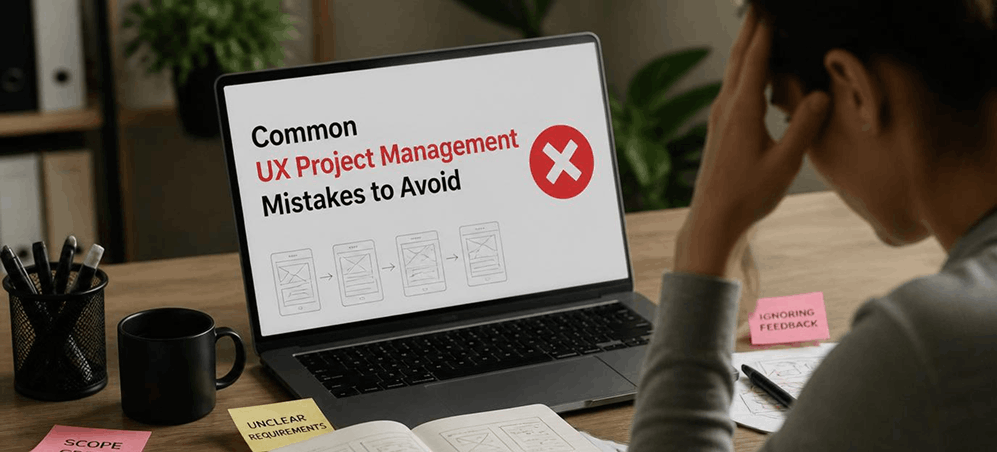
Common UX Project Management Mistakes to Avoid
Skipping the discovery phase to “save time.” Discovery is the cheapest point in the project to change direction. Skipping it trades a small saving now for enormous rework later.
Treating UX as the final step, not the foundation. Bolting UX onto an already-built product doesn’t work. Experience design must inform architecture, not decorate it.
Letting stakeholders bypass the design process. When executives or clients insert design decisions without going through the team’s review process, it creates inconsistencies that confuse users and demoralize designers.
Focusing on functionality rather than user needs. Teams quickly get lost in debates about how to build something rather than why it needs to exist. Redirect every feature conversation back to the user need it addresses.
Ignoring post-launch user feedback. The version of the product that exists six months after launch should look meaningfully different from launch day — driven by real behavioral data, not assumptions.
Conclusion
Ultimately, effective UI UX design project management creates a structured process where research, collaboration, development, and continuous improvement work together to deliver better digital experiences. At AI-IoTS Geeks, we help businesses streamline product workflows, improve usability, and build scalable digital products with user experience at the core.
Want a SaaS UX audit or a design team that builds for retention from day one?
Book a Free Strategy Call at aiiotgeeks.com
Have any questions in mind
Frequently Asked Questions?
Why is UX project management important for digital products?
UX project management helps teams reduce rework, improve collaboration, control scope creep, and create products that are easier and more intuitive for users. It ensures projects stay aligned with both business goals and user expectations.
How does UX project management improve user experience?
Good UX project management introduces structured research, iterative testing, continuous feedback loops, and cross-functional communication. This prevents usability issues from reaching production and helps teams make user-focused decisions faster.
Which methodology works best for UX project management?
The right methodology depends on the project. Agile and Scrum work well for ongoing product development, Kanban suits continuous delivery, Lean UX is ideal for startups, and Double Diamond works best for solving complex user problems.
Can AI-IoTS Geeks help startups validate product ideas before development?
Absolutely. Through MVP-focused UX workflows, AI-IoTS Geeks helps startups validate concepts, test user assumptions, and prioritize high-impact features before investing in full-scale development.
What industries can benefit from UX project management services?
Industries such as SaaS, healthcare, fintech, eCommerce, logistics, education, and enterprise software benefit significantly from UX project management because user experience directly affects engagement, adoption, and retention.